Simple USB Logger Quick Start Guide
To start monitoring of a USB device you need to start new session. Select menu File->New Session or press the button on toolbar. After this, Simple USB Logger will start waiting for USB device connection:
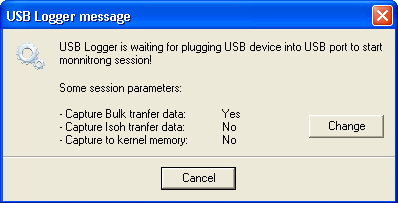
If you want to change monitoring session parameters, click Change button.
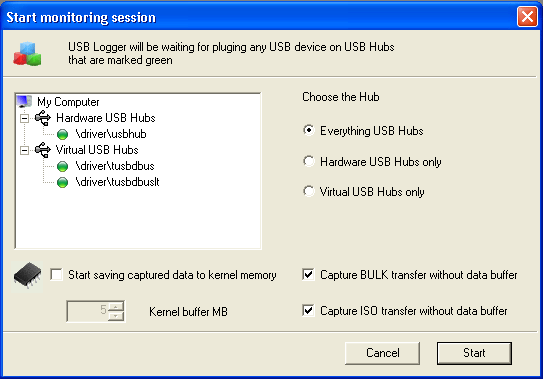
You can also open this window by selecting File -> New Advanced Session menu item
You can select:
- A USB hub to wait for USB device connection
- The mode of capturing data for BULK and ISO packets
- The mode of saving data to kernel memory if you expect a BSOD, or real-time display in Simple USB Logger shell program.
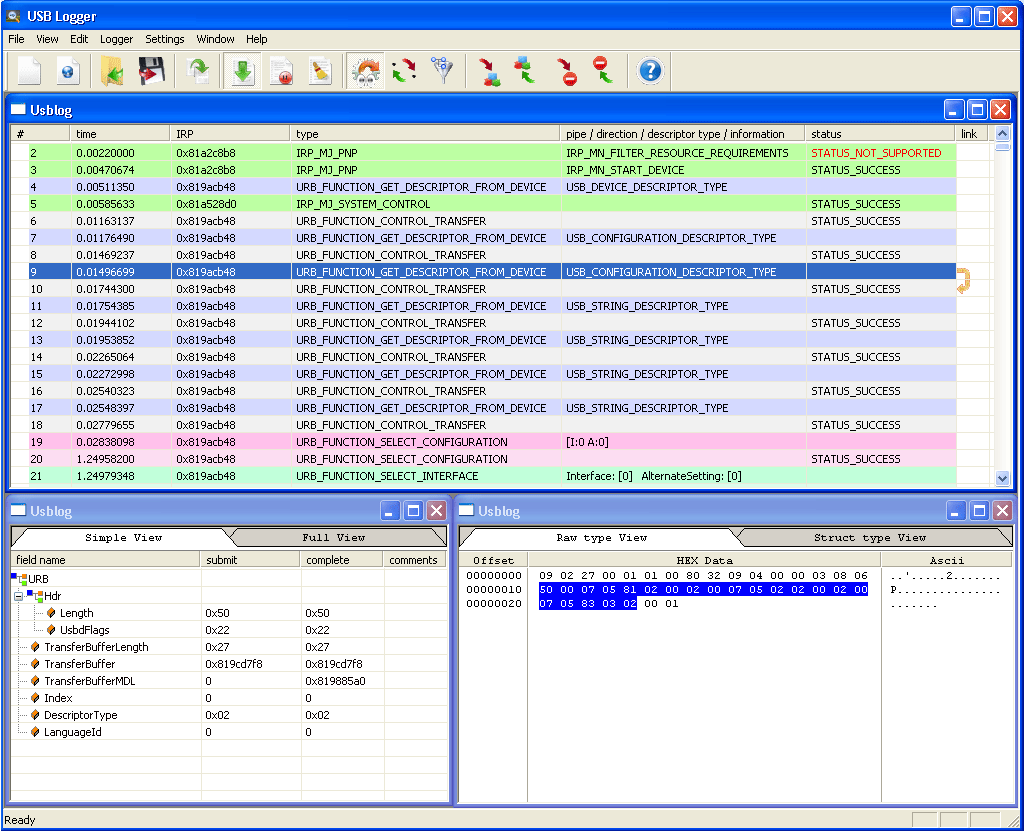
Click Start and attach a USB device into USB port or connect it via any USB redirection software. After USB device connection, Simple USB Logger will start displaying USB data in real-time:
If you selected to capture the data into kernel memory, Simple USB Logger shows the logging process window:
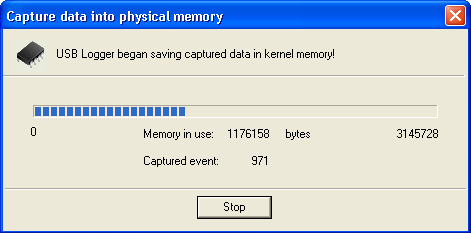
Press "Stop" to get captured data immediately.