Settings - Device Policy Preferences
Device Policy helps to control which USB devices or USB device classes are allowed to be shared (or connected). It can be accessed via program's preferences by selecting menu Settings > Preferences:
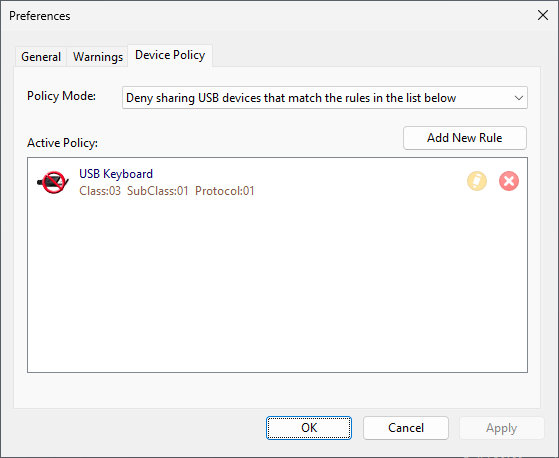
Here you can:
•Change Device Policy mode.