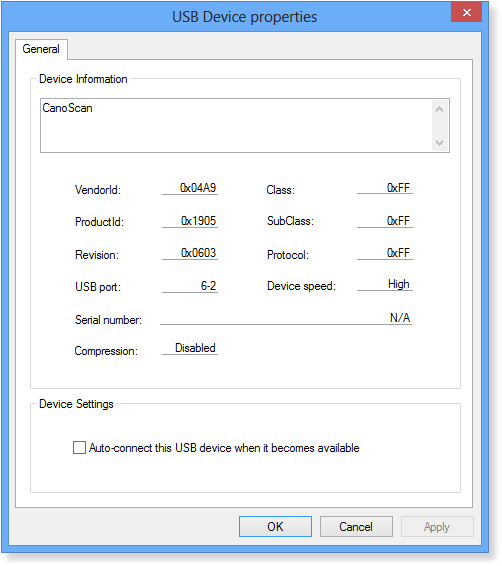
Settings - USB Device Properties
Properties of each USB device can be accessed via "USB Device Properties" window. To open this window, you can either double-click on a USB device, or choose "Edit > USB Device..." menu item, or right-click on USB device and select "Properties".
Here you can: