Settings - RDP Session Properties
To open "RDP Session Properties" window, you can either double-click on your session in Main Window, or right-click and select "Properties", or select "Edit > USB Server..." menu item.
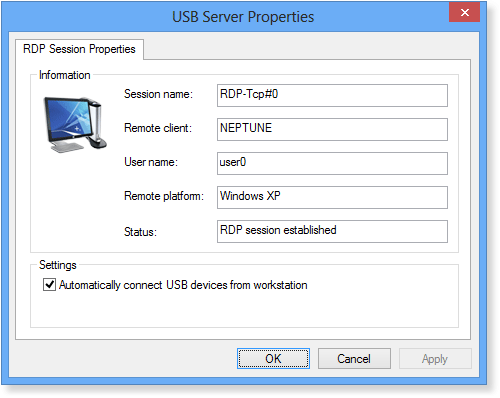
This window shows information about selected RDP Session.
You can setup a session-wide auto-connection here by changing the Automatically connect USB devices from workstation checkbox.
Click OK or Apply to save your changes.